How to choose a graphics tablet?
Key features to consider when choosing a graphics tablet
- Tablet size and resolution: The larger the tablet, the easier it is to control the stylus movements. High resolution provides more precise accuracy. A smaller size, on the other hand, fits more easily on a desk and is more convenient for travel.
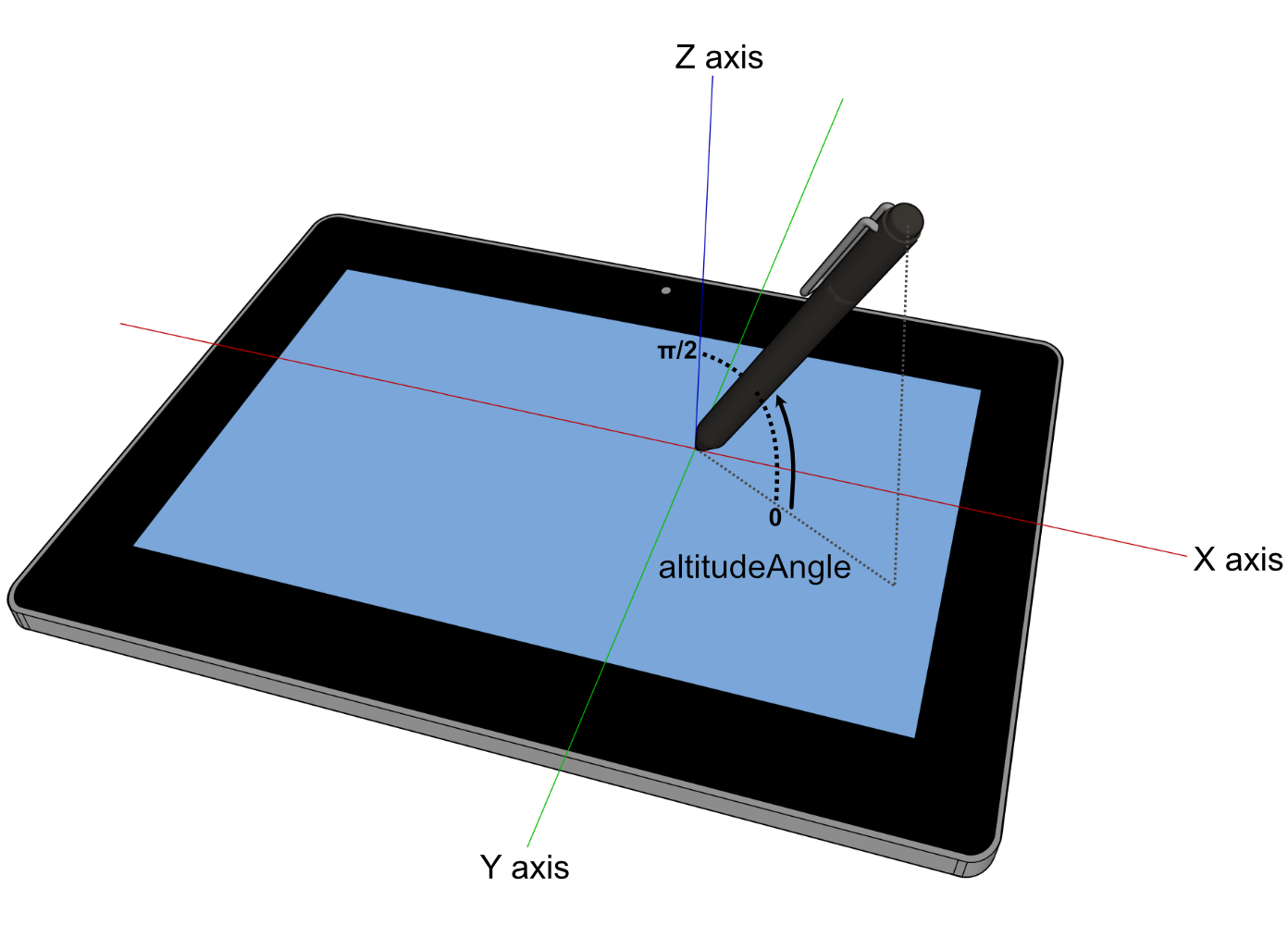
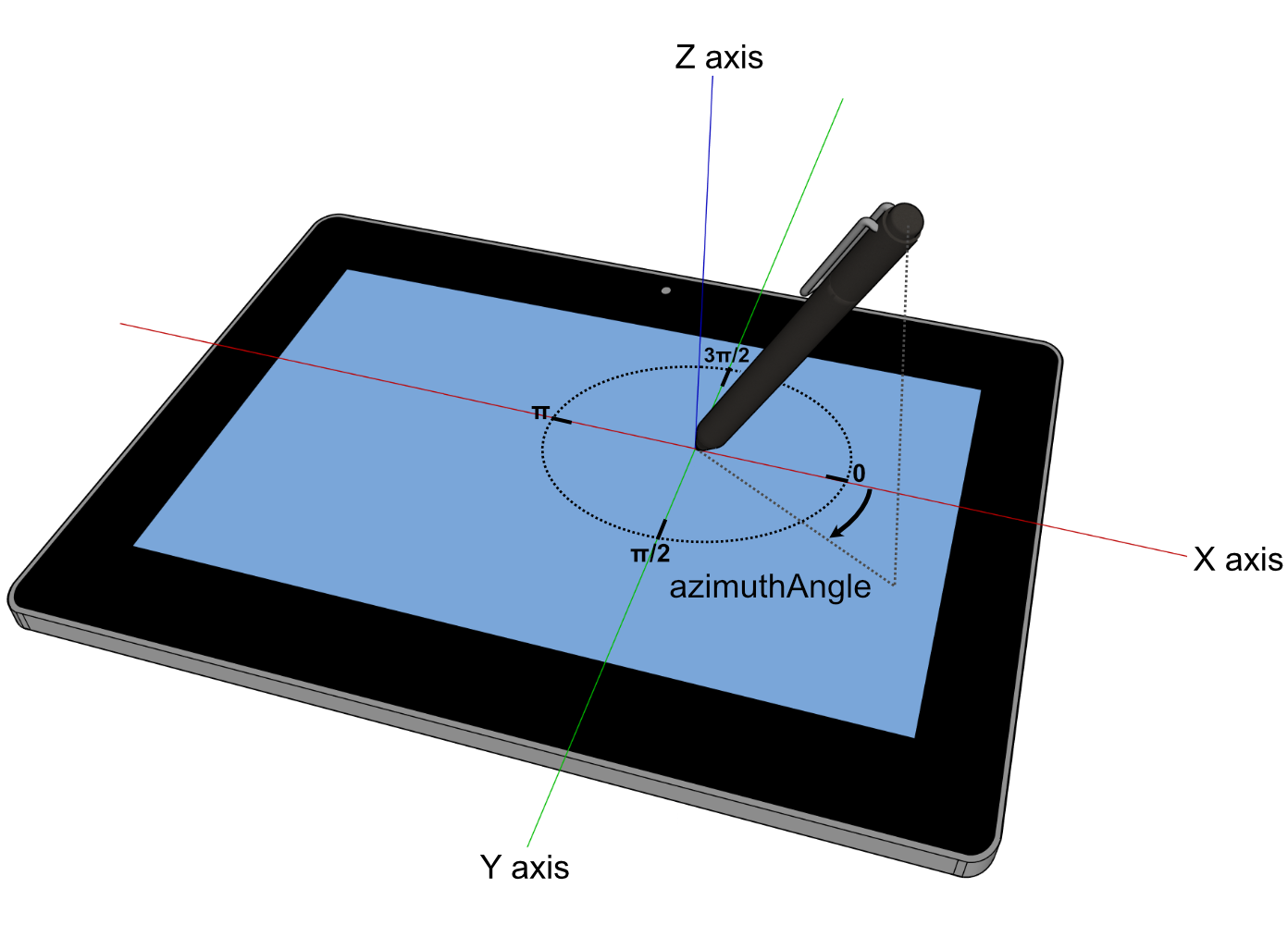
- Sensors: Most tablets have pressure sensitivity, while the stylus tilt sensor is a feature available in some graphics tablets that lets you control the look of a line by tilting the stylus in different ways. This additional tool makes it possible to achieve a more natural and varied look in drawings. If you’re an artist or designer who values natural feel and precision, the stylus tilt sensor may be an important feature for you when choosing a graphics tablet.
- Programmable buttons: Some graphics tablets have programmable buttons that provide quick access to frequently used functions and tools. These buttons can be especially useful for people who use the tablet in their work and want to save time by automating tasks.
Using a graphics tablet can be difficult at first, but with practice and continued use it becomes more and more natural. Many people find that working on a tablet is more intuitive and natural than working with a mouse, because it allows for more direct interaction with the drawing.